01
Configure Your School
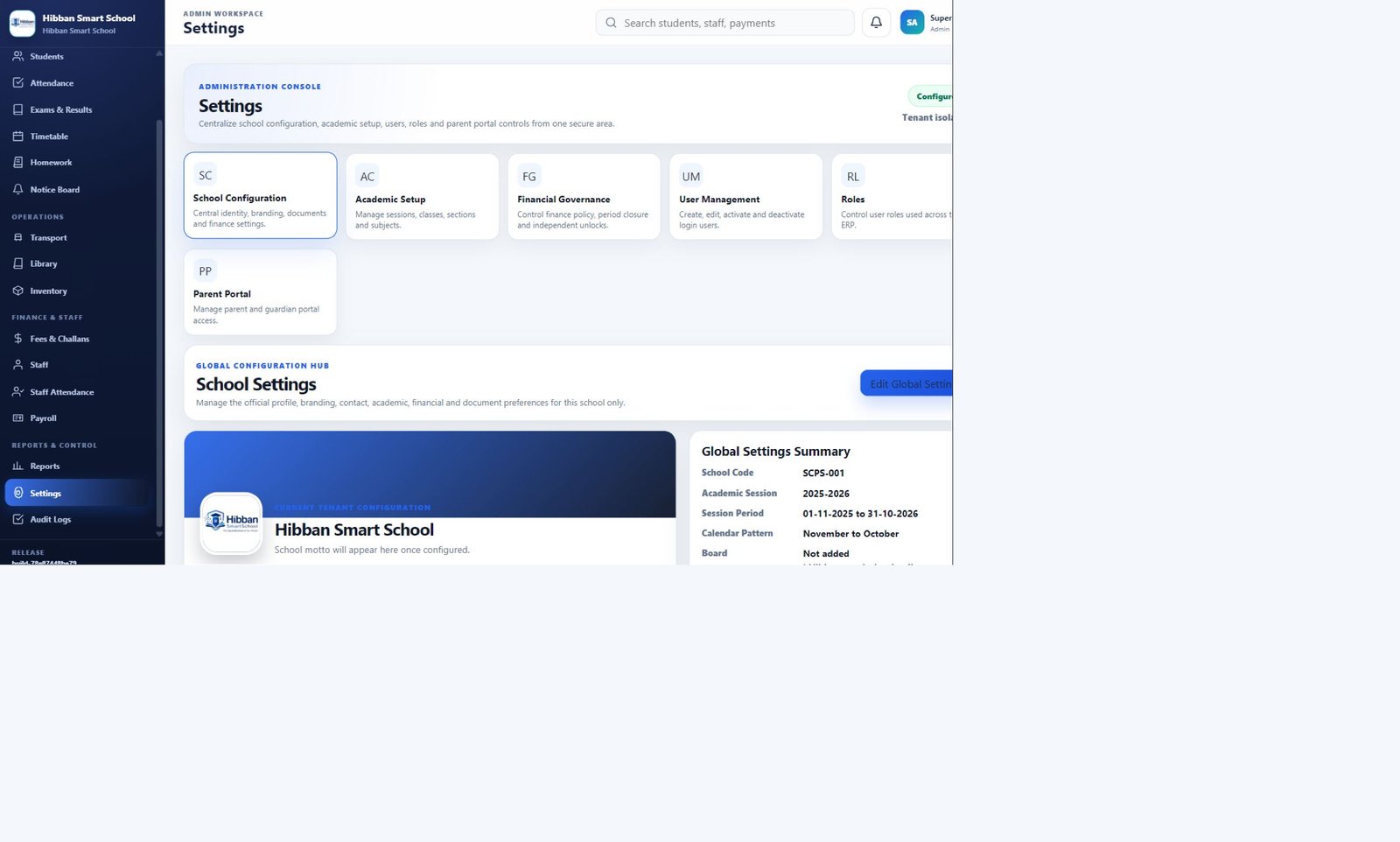
Set school identity, branding, academic sessions, classes, sections, subjects, users, and role assignments.

A practical rollout begins with your school's structure, then brings people, modules, workflows, and management visibility together.
Set school identity, branding, academic sessions, classes, sections, subjects, users, and role assignments.
Build student, parent, academic, employment, and operational records on a structured foundation.
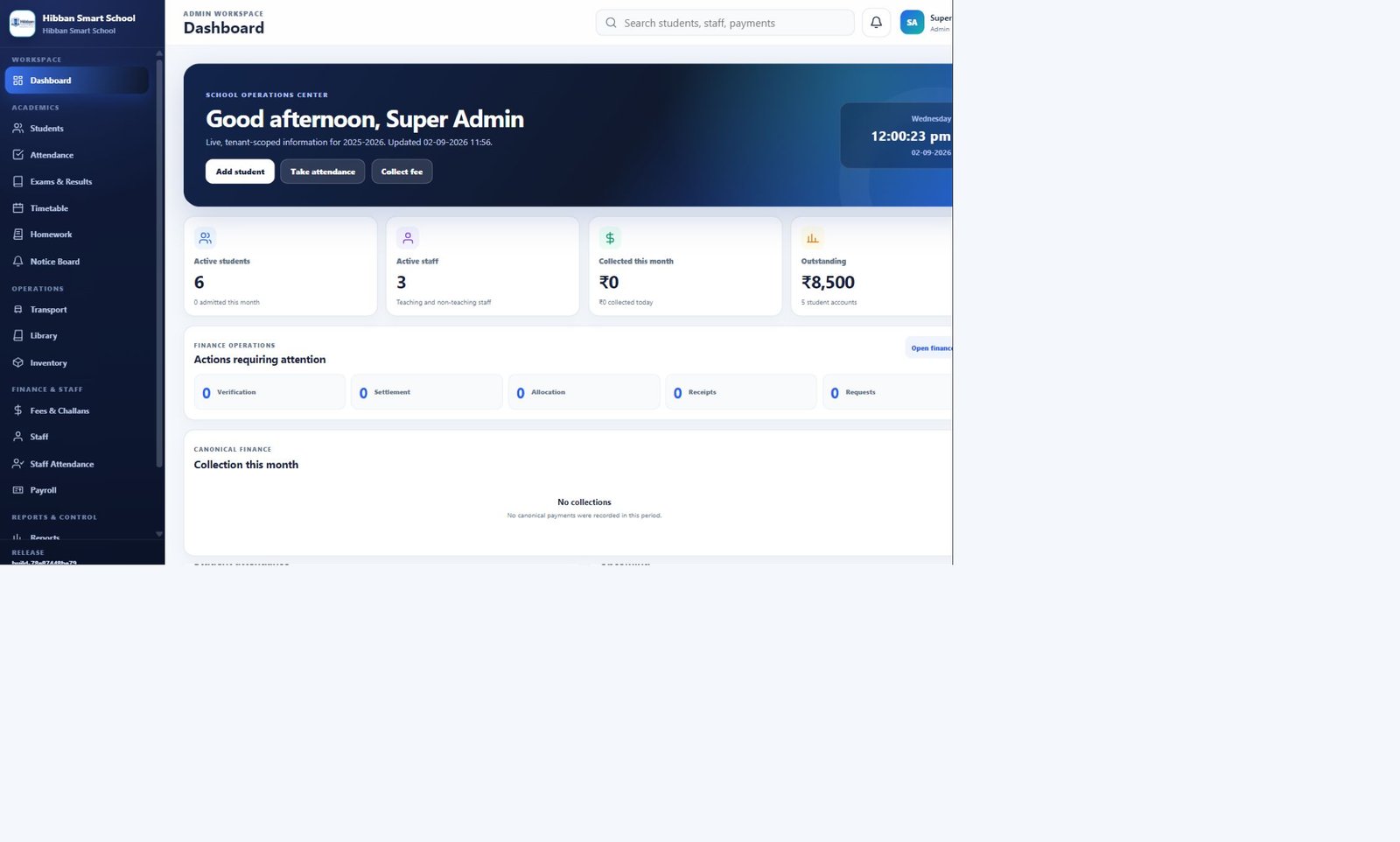
Prepare fees, assessments, timetable, transport, library, inventory, and document preferences.
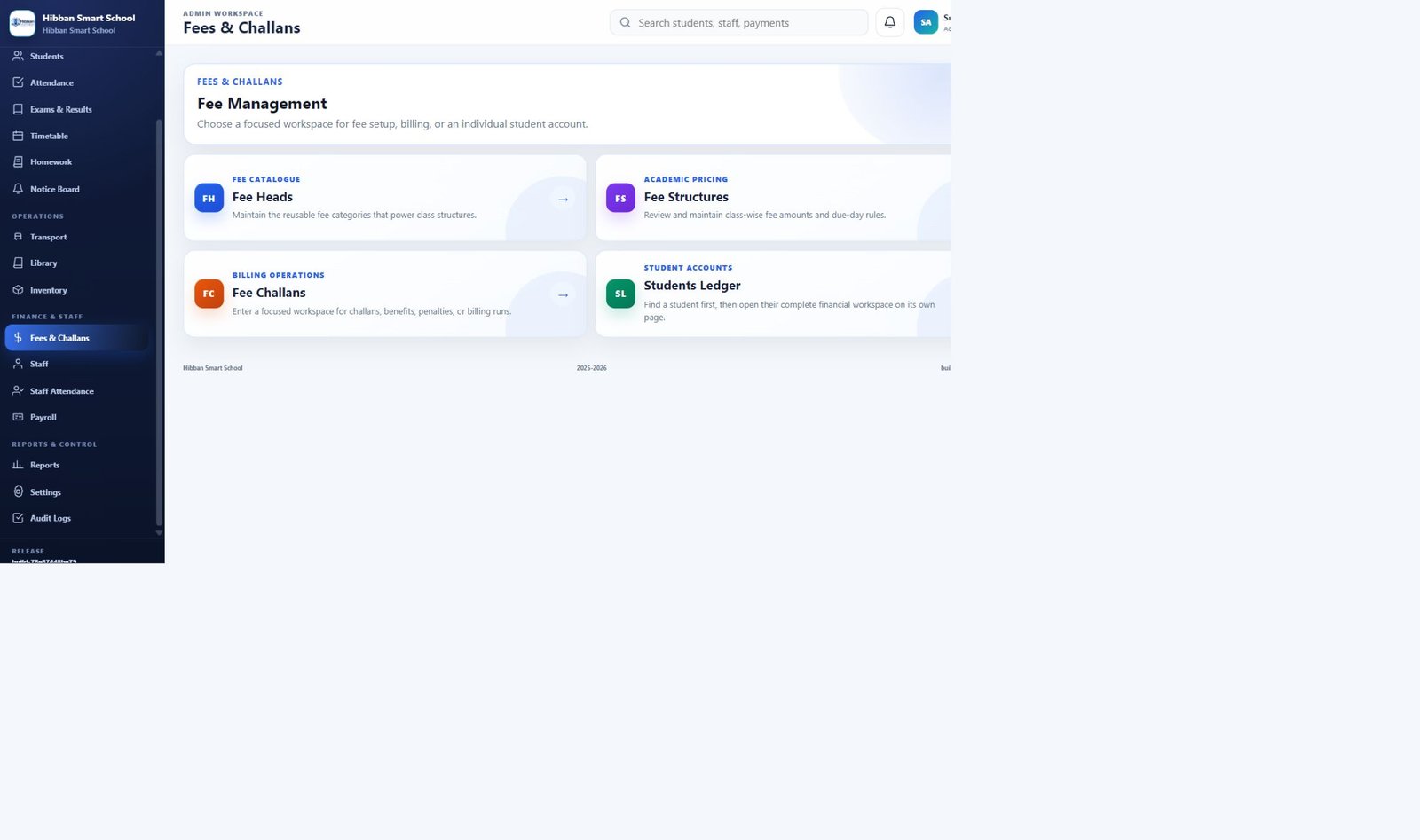
Manage attendance, homework, fees, staff, examinations, communication, and school operations.
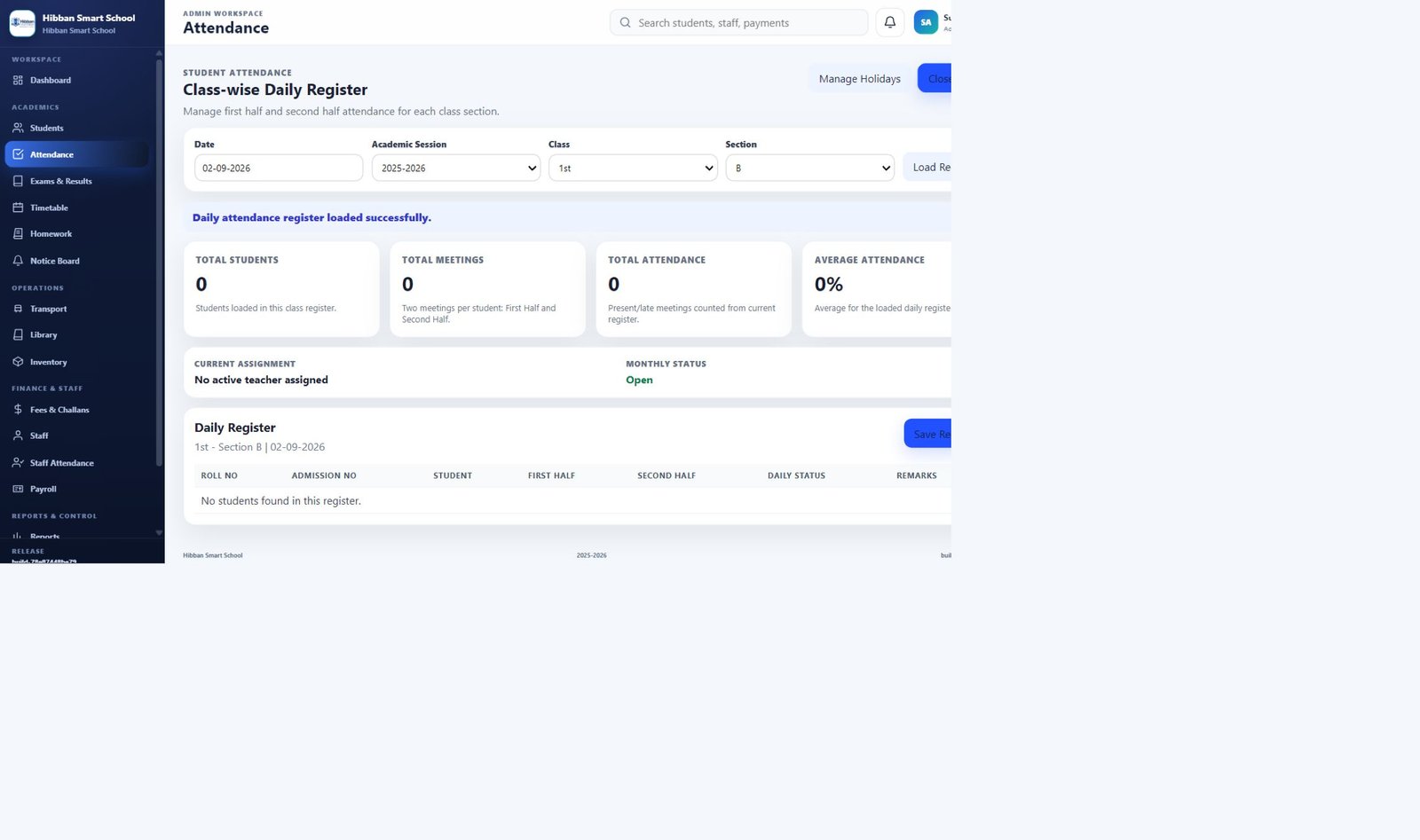
Use dashboards, reports, approvals, and workflow visibility to understand activity and take informed action.
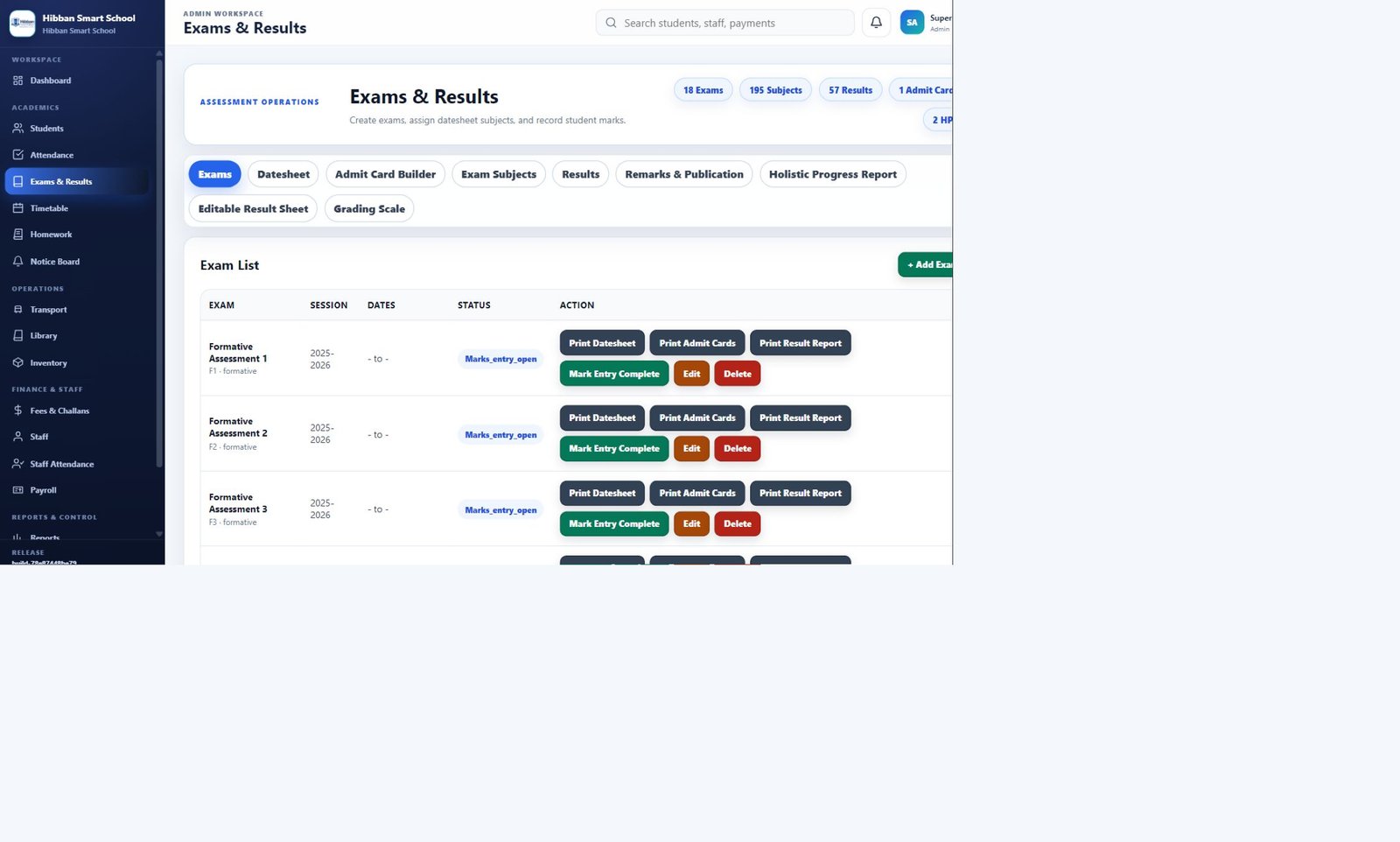
Your demonstration can focus on examinations and HPR, fees and governance, attendance, academic setup, or everyday operations.